Overview
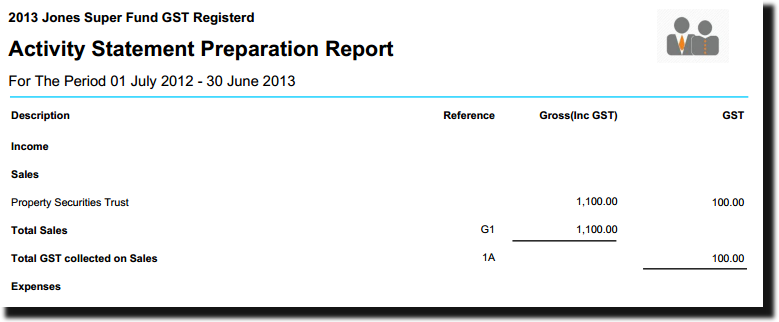
The Activity Statement Preparation Report provides you with information to assist with the reporting of GST on sales and purchases and the preparation of the Business Activity Statement.
BAS/IAS now available.
The create entries process no longer calculates GST. GST amounts will be recorded directly to account 84000 GST Payable/Refundable when posting or matching transactions.
Review the GST help to ensure you have set the fund up correctly for GST purposes before report preparation.
Navigation
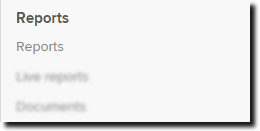
| From the Main Toolbar, go to Reports. |
|
| Select Reports. |
|

How to prepare the Activity Statement Preparation Report
- Select Financial Reports and select Add next to Activity Statement Preparation.
- This will add the report to the list.
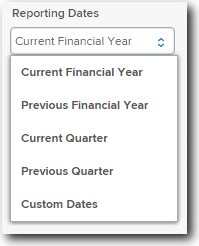
- You can change the Reporting Dates to Current Quarter or Previous Quarter for example to view the GST figures for more specific periods.
- Select Download PDF and SF360 will produce the report for the selected period for you.
- You can also include this report in a report pack. Refer to the Reports help for further information.
- The following is a sample of the generated report: