Overview
The Transaction List Report provides a list of every transaction recorded in the fund within the date ranges specified. This includes all relevant details including the date, reference, description, amount, and accounts related to each transaction.
How to Prepare
| From the Main Toolbar, go to Reports. |  |
| Select Reports. | 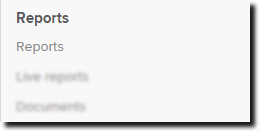 |
- On the left hand side of the Reports screen, search for the Transaction List Report.
- Select the green arrow to add the report to the Report Pack List.
Selecting the settings icon
allows you to enable the following setting:
- Display only unmatched transactions.
Select either Download PDF, Download Word, Download Excel, or Download XML.